
Put Nine Casino on Your Home Screen Without a Second Account
Our mobile route is a progressive web app, or PWA. It opens through the browser, installs as a home-screen icon and uses the same login, GBP balance, promotions and verification status as the main site. There is no second registration and no need to move money between desktop and mobile wallets. The PWA carries the full lobby, cashier, live chat and account controls. The wider Nine Casino UK overview explains the games, rewards and account checks available through the same login.
Install on iPhone through Safari
- Open Nine Casino in Safari and sign in.
- Tap the Share icon at the bottom of the browser.
- Select Add to Home Screen.
- Confirm the name and tap Add.
- Launch the new icon and check that your account opens correctly.
iOS installation does not require an App Store download. Keep Safari updated and allow the site permissions you actually want to use.
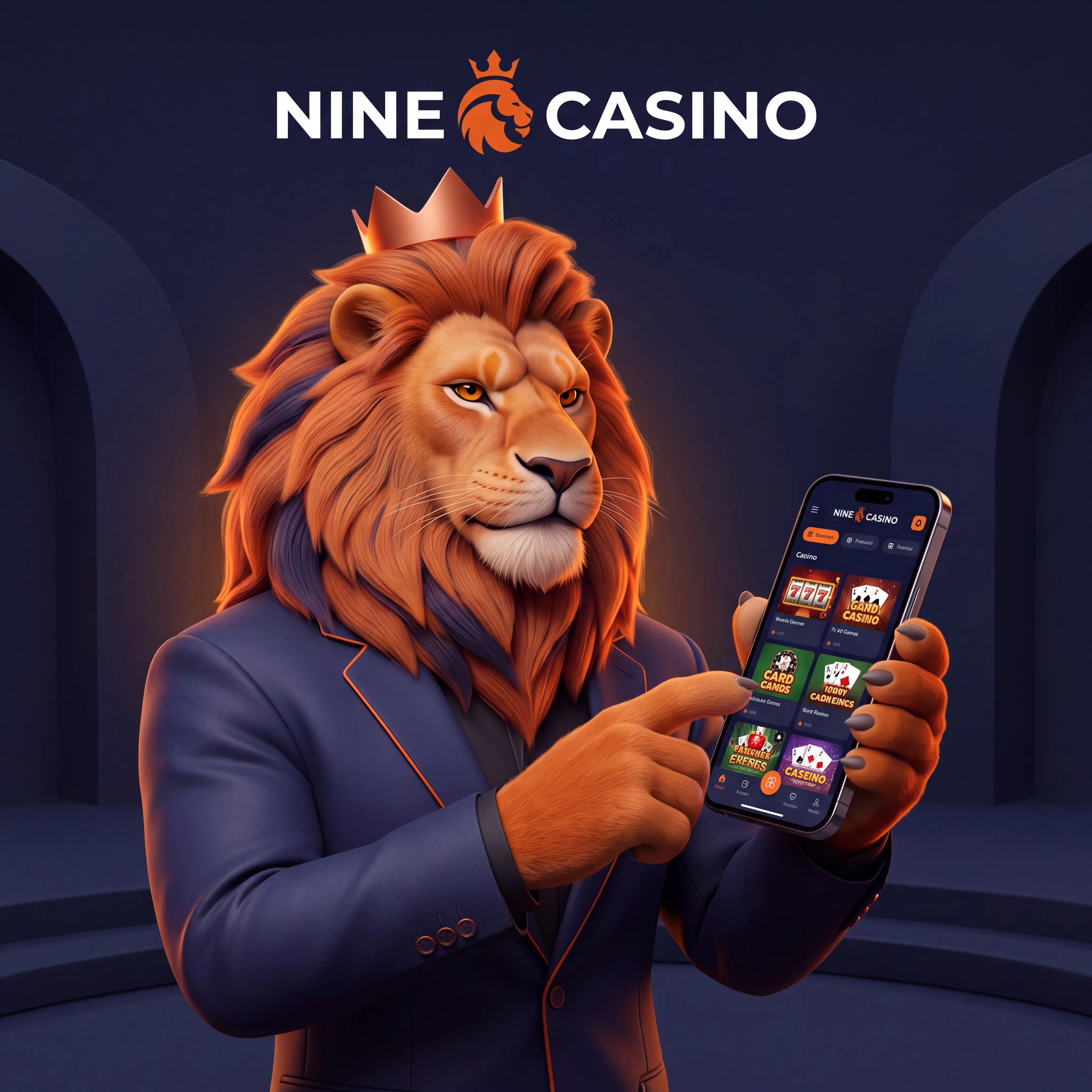
Add the PWA on Android
- Open the site in Chrome.
- Tap the three-dot menu.
- Choose Install app or Add to Home screen.
- Confirm the prompt.
- Open Nine Casino from the icon.
If Android presents an installation banner, the same action creates the PWA shortcut.
What about an APK?
The PWA is the primary mobile installation route. Use the browser install prompt rather than downloading an APK from an unrelated file host. This keeps the login connected to our current site, avoids unofficial packages and removes manual update steps.
What moves with you
Players who need a new account can complete Nine Casino registration before using these connected mobile features.
| Mobile feature | What remains connected |
|---|---|
| Account | Email, password and KYC status |
| Balance | GBP cash, bonus funds and pending withdrawals |
| Promotions | Welcome stages, codes and tournament entries |
| Games | 5,000+ titles, including live and instant play |
| Support | Live chat and account messages |
Highway Legends, Five Sound Fortune, Wild Love, Piggy Tap, X Towers, Bar Roulette 2000x and Bar Blackjack 3 can be found through the same lobby filters used on desktop. Live video quality depends on your connection; switching from mobile data to stable Wi-Fi can reduce interrupted streams.
Mobile payments and safer controls
The cashier can display Visa, Mastercard, Skrill, Neteller, Jeton, AstroPay, MiFinity, bank transfer and supported crypto assets. Complete payment authentication in the bank or wallet window, then return to the PWA and confirm the account balance. Deposit limits, session controls, cooling-off and self-exclusion remain account-wide rather than device-specific. Before making a promotional deposit, review the activation and eligibility rules in the Nine Casino bonus guide.
Fix the common mobile problems
- Icon missing: repeat Add to Home Screen and check that browser shortcuts are permitted.
- Old page displayed: close the PWA, clear the site cache and sign in again.
- Game freezes: switch networks, close other tabs and reduce live-video quality.
- Payment window closes: allow pop-ups for the transaction and restart it from Cashier.
- Password rejected: use the official reset link instead of opening another account.
Method limits, processing times and ownership checks are detailed in the Nine Casino payments guide.
FAQ
Our main mobile route is a PWA installed from Safari or Chrome.
Yes. Open the site in Safari, tap Share and choose Add to Home Screen.
Use Install app or Add to Home screen from the Chrome menu.
Use the PWA installation prompt on our site; it avoids third-party APK files and manual updates.
Yes. The PWA uses the same account, cash balance, bonus funds and withdrawal status.
Yes. The mobile lobby includes live roulette, blackjack, baccarat, poker and other dealer tables.
Yes. Account limits, cooling-off and self-exclusion apply across mobile and desktop access.